Mobile Oil Change Software That Starts With the Plate.
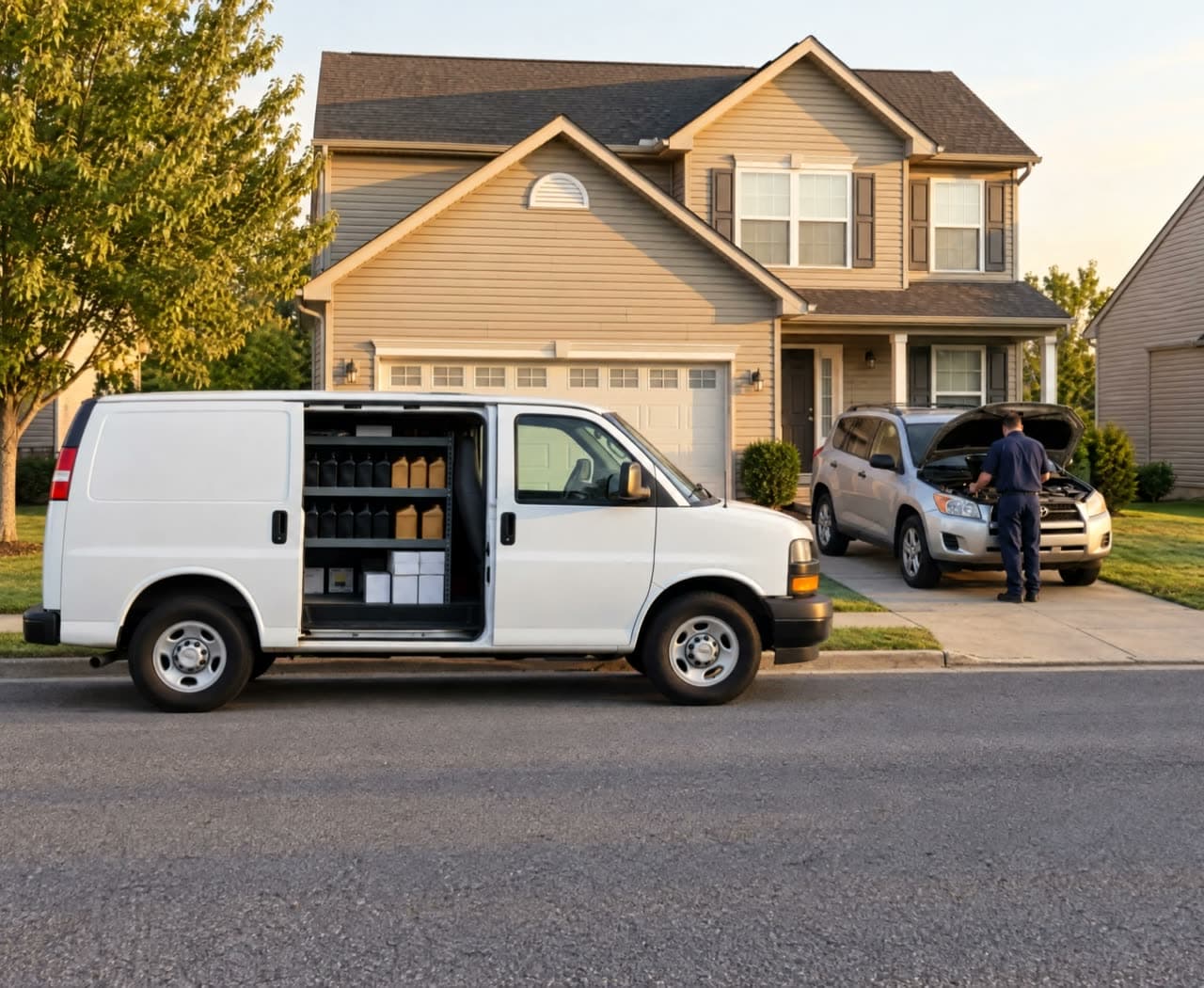
Type a license plate and the VIN, year, make, model, and engine fill in. Customers book online, each van's day routes on real drive times, and the tech app runs the stop from the driveway to the payment.
For mobile oil change and quick lube crews, one van or ten. 14 days free, no card.
- Plate decoded: F-150
- Next one due Feb 9
The Checklist, Answered.
What oil change crews ask for first, and what Mobile Service Sync does about each one.
- License Plate to VIN Lookup
- Yes, on every plan. Enter a plate and state and the VIN, year, make, model, trim, and engine fill in, and a VIN decodes the same way. It works in the office, in the tech app, and on your online booking page.
- Online Booking
- Yes. Customers pick the package and the time on your booking page and enter their own plate. Open slots follow your hours, your service area, and how many techs and vans are working.
- Route Optimization
- Yes. One click puts each van's stops in order on real Mapbox drive times, and you move a stop to another van by dragging it.
- A Native Mobile App
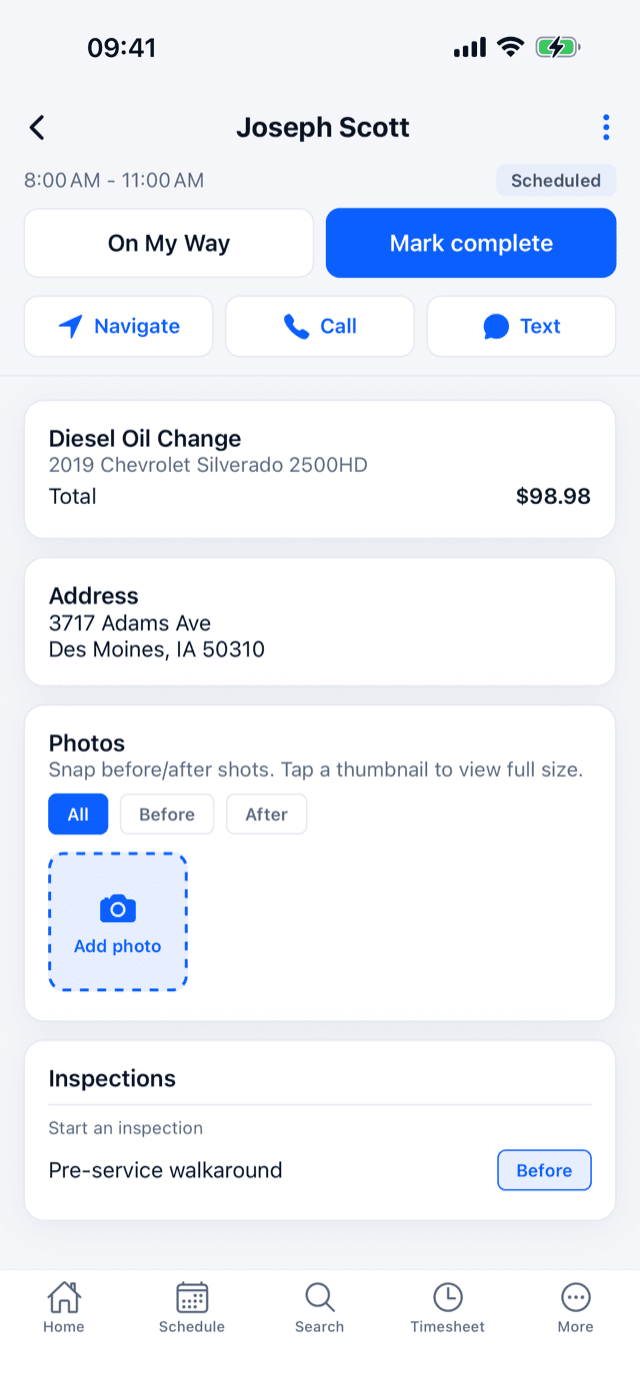
- Yes. The tech app is live on the App Store and Google Play: the day's stops in order, plate lookup, the job, the payment, and the van's stock.
- Oil Specs on Every Job
- Yes. Oil weight, capacity, and drain plug size are saved on the vehicle the first time, with a built-in search to find them, and show on every job for it after that.
- From $49 a Month
- Core is $49 a month for one user and 20 jobs a month, with plate lookup, online booking, routing, and the tech app included. Growth is $175 with two users and unlimited jobs. Every plan starts with a 14-day free trial, no card.
Plate In, VIN Out.
Enter a license plate and state, or the VIN, and the year, make, model, trim, and engine fill in. It works on your online booking page too, where the customer types the plate, picks the package, and picks the time.
- License plate to VIN lookup on every plan
- In the office, in the tech app, and on the booking page
- Oil weight and capacity saved on the vehicle, with a built-in search to find them
- Booking slots follow your hours, service area, and working vans
More Driveways, Fewer Miles Between Them.
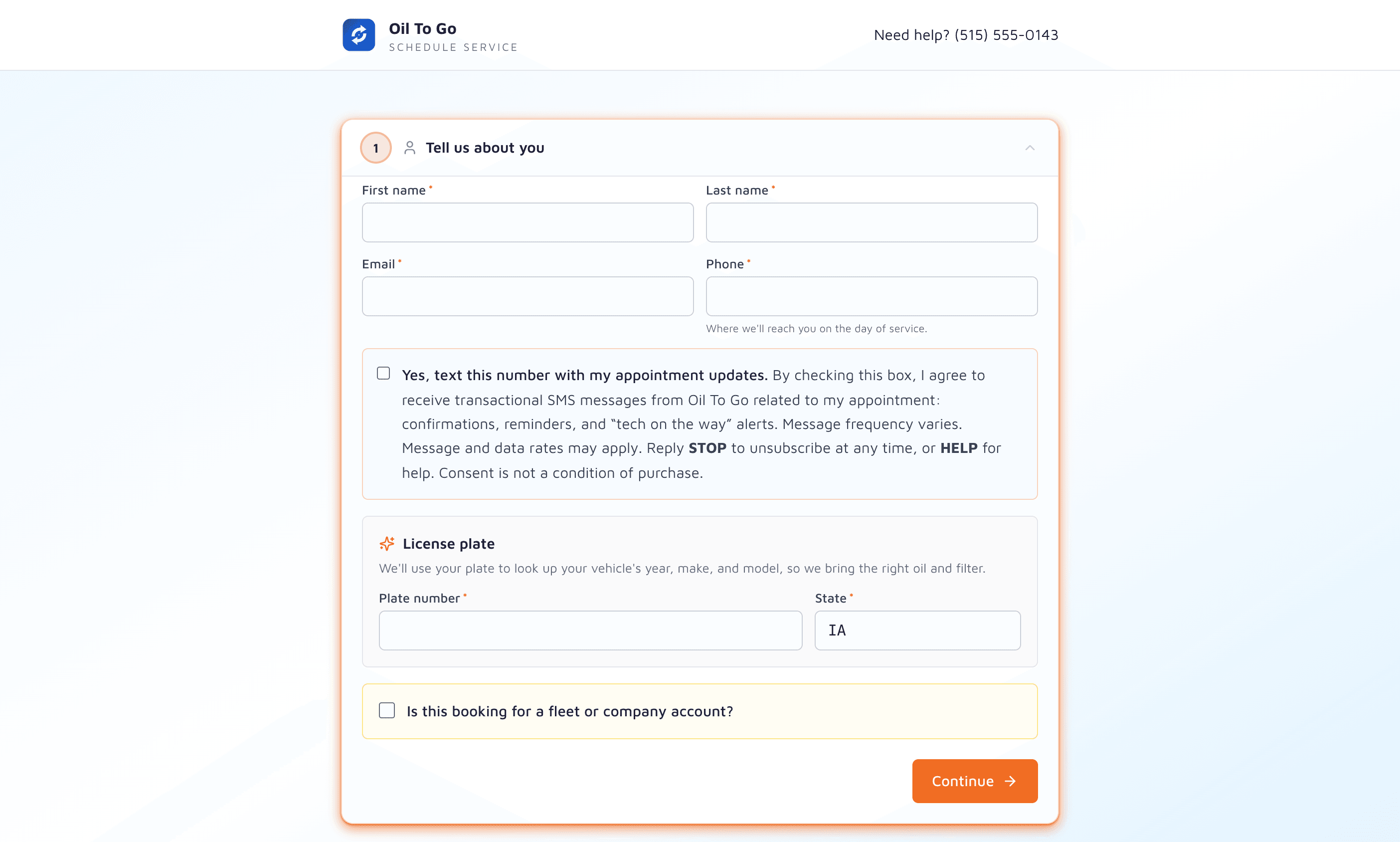
Oil change pays on volume, so the drive between stops is the margin. One click puts each van's day in order on real drive times, and a stop moves to another van with one drag.
- One-click route optimization on Mapbox drive times
- Every van's stops on one map
- On-my-way texts with an ETA, one tap from the tech app
The Van Runs From the Phone.
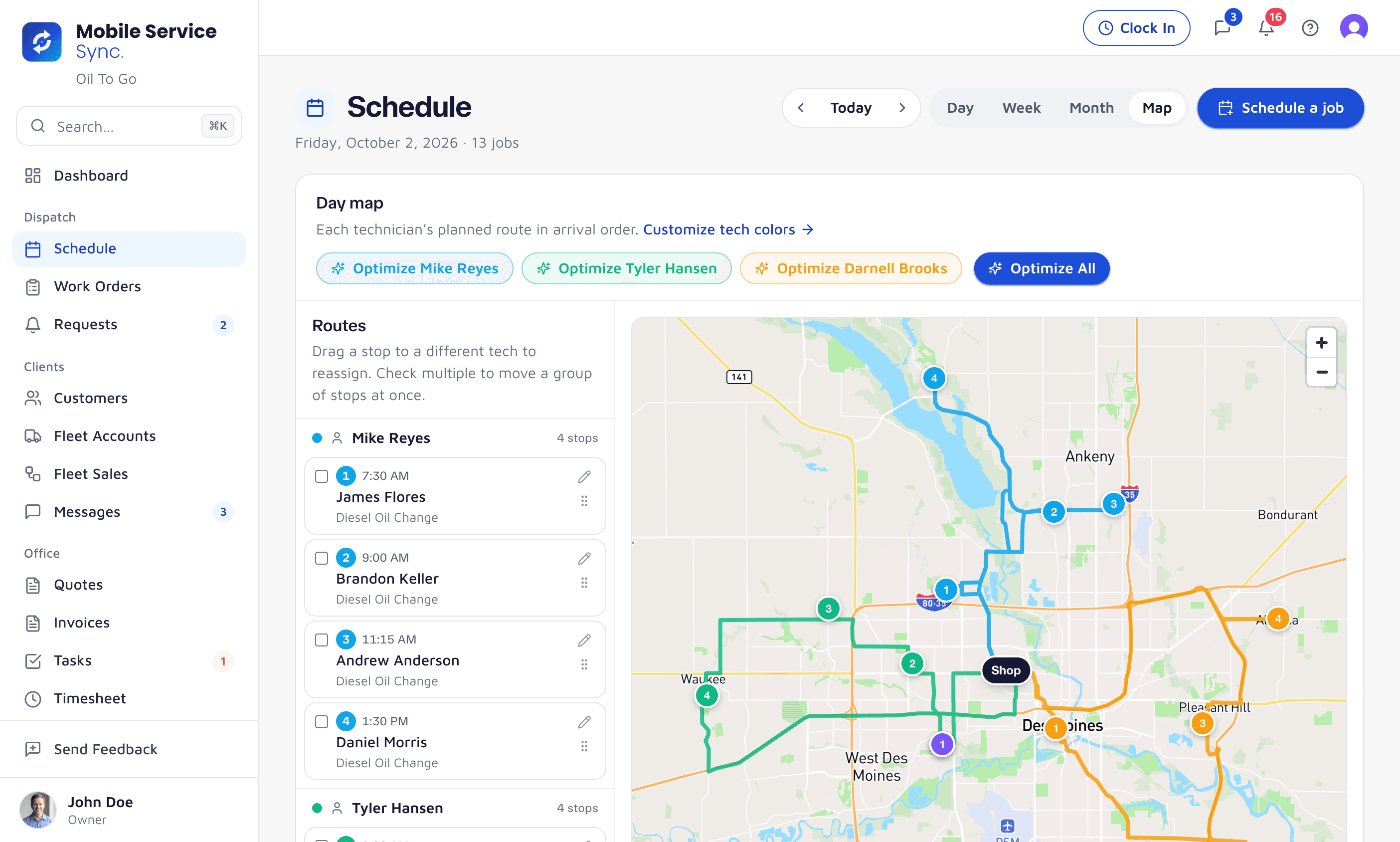
The tech app is live on the App Store and Google Play. The day's stops in order, a plate lookup for a new car, the oil specs for the one in the driveway, and the payment before you pull away.
- iPhone and Android
- Today's stops in order, one tap to navigate
- Look up a plate or VIN from the app
- Key the card or text a pay link
- The van's oil and filter stock, with a restock request
Every Oil Change Dates the Next One.
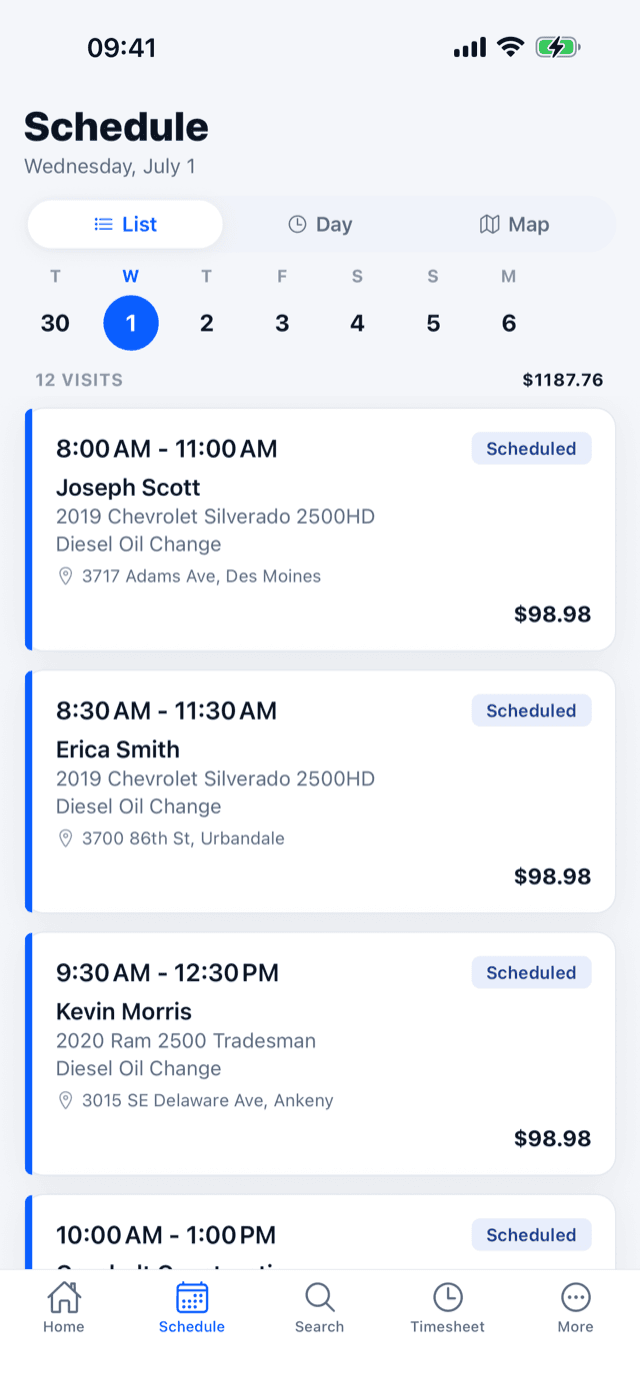
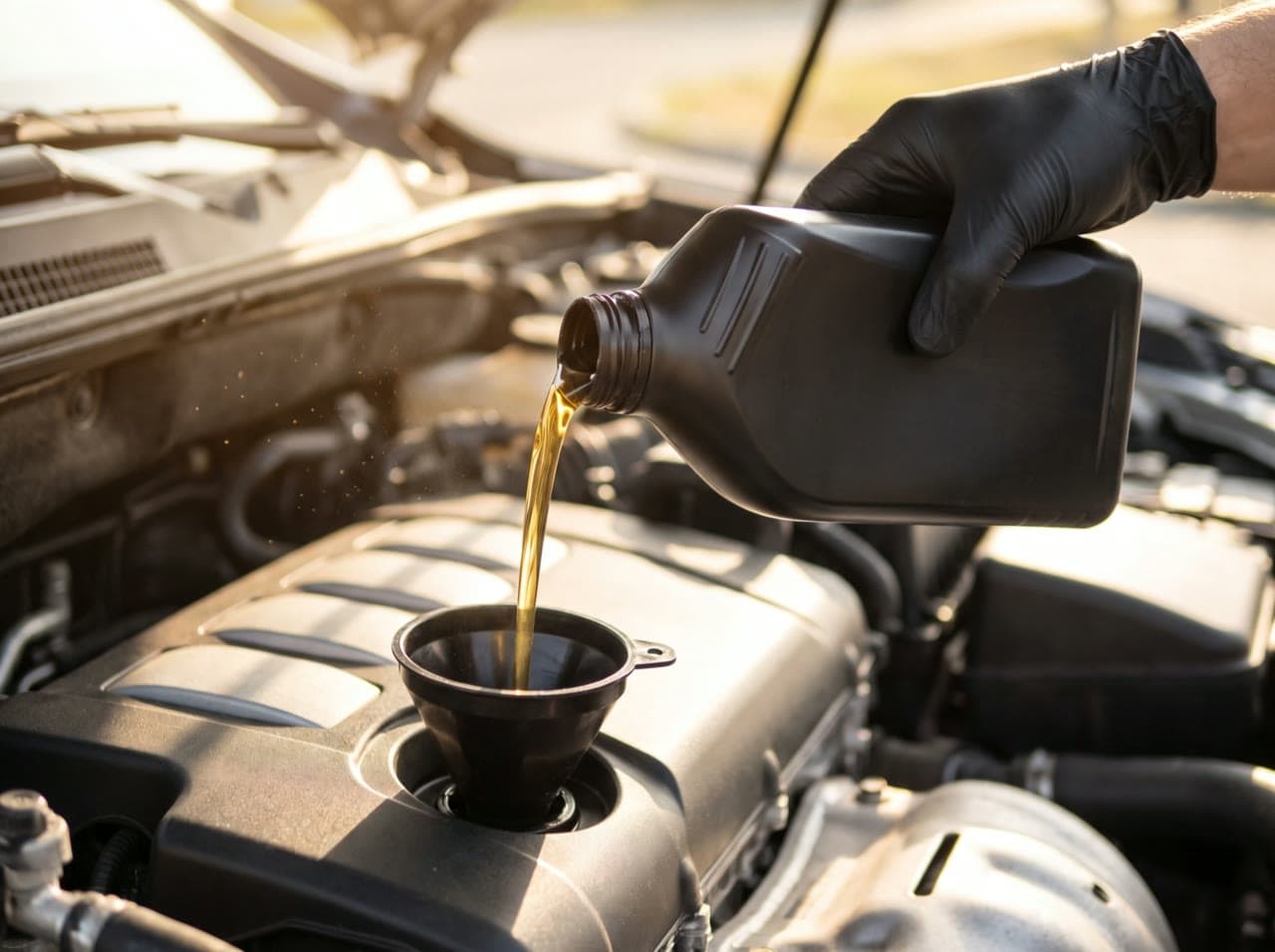
When the job closes, the car gets a due date from its own interval, its fleet's default, or how often it actually comes back. Switch reminders on and the customer hears from you before they think to call anyone else.
- Reminders start a week before the due date, with a link to book
- An email for every customer, and a text for the ones who opted in
- Next service due on the customer record and the fleet portal
More Straight Answers.
Reminders, van stock, fleets, and the contract.
Yes. Every vehicle gets a due date from its own interval, its fleet's default, or how often it actually comes back. Switch reminders on and customers get an email, plus a text if they opted in, with a link to book the next one.
Yes. Stock is kept per van and per shop location, comes off the van's count when a job is completed, and the tech app shows what's on the van and sends a restock request.
Yes. Book several of a fleet's vehicles at once, keep its net terms and PO rules on the account, and on Growth and up give the fleet manager a portal with every truck and when it's due.
No. Month to month. No contract.
Bring a Plate Number and Try It.
Set up your packages and your booking page in an afternoon. No credit card, month to month, no contract.